Home / Software & Plugins / Mac Apps / Soft Pro Smart Terminal & SSH
 Mac app
Soft Pro Smart Terminal & SSH for Mac
Soft Pro Smart Terminal & SSH is a modern terminal and SSH client with tabs, split panes, saved hosts and smart command suggestions for developers and system administrators.
- SSH with keys and agents
- Tabs and split panes
- Saved hosts and groups
In development · macOS on Apple silicon and Intel Macs
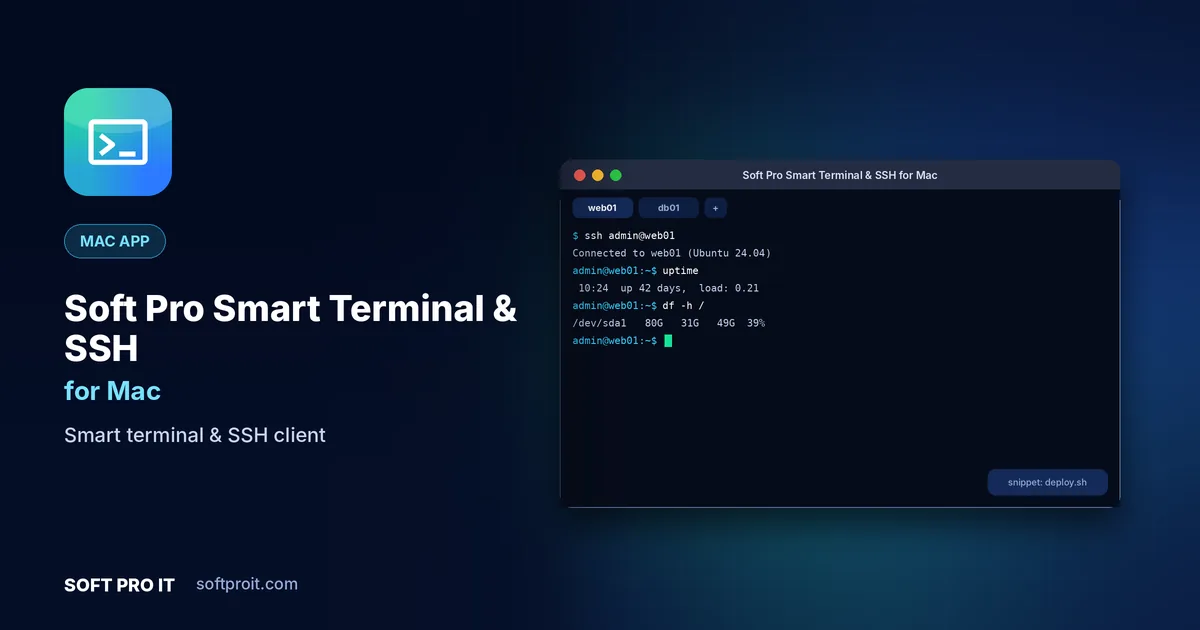
Key features of Soft Pro Smart Terminal & SSH for Mac
The default terminal works, but managing many servers gets messy. Soft Pro Smart Terminal & SSH keeps hosts, keys, snippets and file transfers in one fast, keyboard-friendly window.
SSH with keys and agents
Connect with passwords, SSH keys or an SSH agent, and generate new key pairs without leaving the app.
Tabs and split panes
Work on several servers at once with tabs, side-by-side splits and broadcast typing to all panes.
Saved hosts and groups
Store hosts, users, ports and jump servers in groups, and connect with a double-click.
Smart autocomplete and snippets
Command suggestions, history search and reusable snippets save typing on long commands.
Built-in SFTP browser
Browse and transfer files on the connected server without opening a second app.
Port forwarding and tunnels
Local, remote and dynamic port forwarding to reach databases and internal dashboards securely.
Built for Mac
Mac users value polish and consistency. The macOS edition follows Apple's design conventions with menu bar access, native shortcuts, light and dark appearance and smooth performance on Apple silicon.
- Apple silicon and Intel Designed to run smoothly on both Apple silicon and Intel Macs.
- Menu bar access Quick actions are one click away from the macOS menu bar.
- Keyboard first Standard macOS shortcuts throughout, plus your own custom ones.
- Light and dark mode Follows your system appearance automatically.
How Soft Pro Smart Terminal & SSH for Mac works
- Add a host
Save the server address, user and key, or import hosts from your existing SSH config.
- Connect securely
Open a session in a new tab, verify the host key and start working.
- Work faster
Use snippets, autocomplete and split panes to manage many servers at once.
Soft Pro Smart Terminal & SSH on other platforms
Use Soft Pro Smart Terminal & SSH on all your devices. Each edition is designed for its platform.
More Mac apps from SOFT PRO IT
 Softpro BrowserFast, private web browserAd and tracker blockerTrue private browsingSmart tab groups
Softpro Browser is a fast, privacy-first web browser that blocks ads and trackers by default, keeps your tabs organised and loads pages quickly, even on slow connections.
View Mac app Softpro Lab AntivirusAntivirus & malware protectionReal-time protectionQuick and full scansRansomware shield
Softpro Lab Antivirus protects your device from viruses, ransomware, spyware and phishing with real-time scanning that stays light on battery and memory.
View Mac app TimesFit Reminder ProSmart reminders & habit trackerFlexible repeating remindersHealth and habit remindersSmart snooze
TimesFit Reminder Pro is a smart reminder and habit tracker that helps you drink water, take breaks, take medicine on time and never miss a meeting or a bill.
View Mac app Personal AccountsExpense tracker & budget plannerFast income and expense entryMultiple accounts and walletsBudgets with alerts
Personal Accounts is a simple personal finance app for tracking income and expenses, planning budgets and seeing exactly where your money goes each month.
View Mac app Soft Pro FTP ClientFTP, SFTP & FTPS file transferFTP, FTPS and SFTPDual-pane drag and dropResumable transfer queue
Soft Pro FTP Client is a fast, secure file transfer app for FTP, FTPS and SFTP, with a dual-pane layout, drag and drop and a resumable transfer queue for web developers and IT teams.
View Mac appSoft Pro Smart Terminal & SSH for Mac: frequently asked questions
Can I import my existing SSH config?
Yes. Hosts in your ~/.ssh/config file can be imported, including users, ports and identity files.
Does it support SSH keys?
Yes. RSA, ECDSA and Ed25519 keys are supported, and you can generate new keys inside the app.
Is there an SFTP file browser?
Yes. Every SSH session can open an SFTP panel for uploads and downloads.
Does it run on Apple silicon Macs?
Yes. Our Mac apps are designed for macOS on both Apple silicon (M-series) and Intel Macs.
When will Soft Pro Smart Terminal & SSH for Mac be available?
Soft Pro Smart Terminal & SSH for Mac is currently in development. Request early access and we will tell you as soon as it is ready to download.
Get Soft Pro Smart Terminal & SSH for Mac first
Request early access and we will send you a download link as soon as Soft Pro Smart Terminal & SSH for Mac is ready. Need something similar built for your business? Our team can build it with you through our Software Development service.