
Windows terminals
Windows PowerShell, Command Prompt, Git Bash and WSL, right in a tab.


The complete Soft Pro experience on Windows 10 and 11. It includes PowerShell, CMD, Git Bash and WSL terminals, Microsoft Defender scanning in Download Shield and passwords protected by your OS keychain.
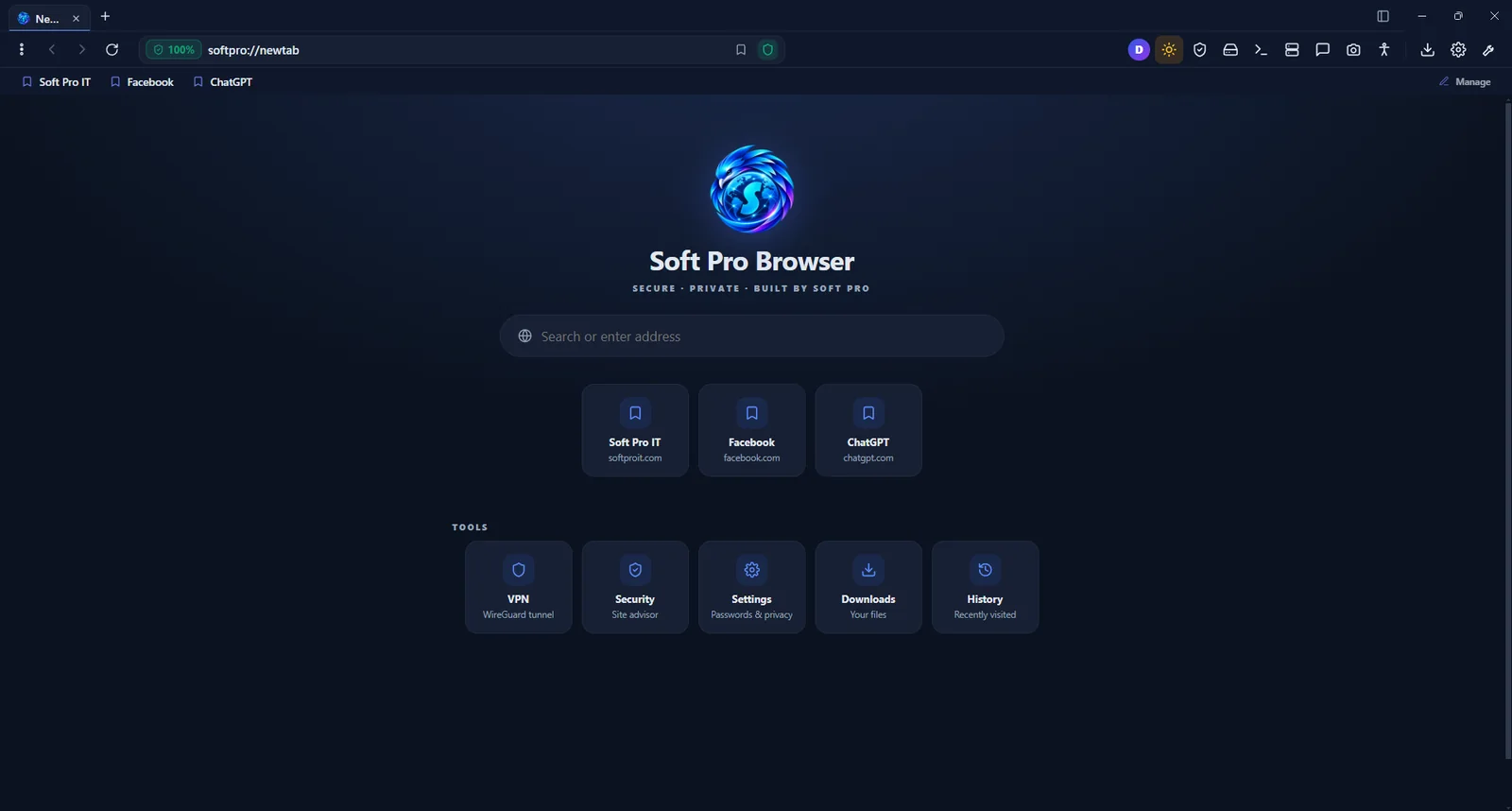
Highlights of Soft Pro Browser for Windows.
Windows PowerShell, Command Prompt, Git Bash and WSL, right in a tab.
Download Shield lets you scan files with Microsoft Defender.
Web Shield, Download Shield, HTTPS-only mode and a safety score on every page.
WireGuard with free Cloudflare WARP, a kill switch and WebRTC leak protection.
| Operating system | Windows 10 or Windows 11 |
|---|---|
| Processor | x64 or ARM64 |
| Memory | 4 GB RAM (8 GB recommended) |
| Disk space | 500 MB free |
Click “Download .exe” or open the Microsoft Store listing.
Run the installer and follow the steps.
Bring over your bookmarks, then start browsing.
 Free download · All platforms
Security Centre, password vault, AI assistant, SSH & SFTP, capture tools and an advanced download manager. Everything you need, in one free browser.