
Security Centre
Web Shield, Download Shield, HTTPS-only mode and a safety score on every page.


Soft Pro Browser on macOS has the Security Centre, VPN, password vault, Media Centre and Developer Studio, in light or dark.
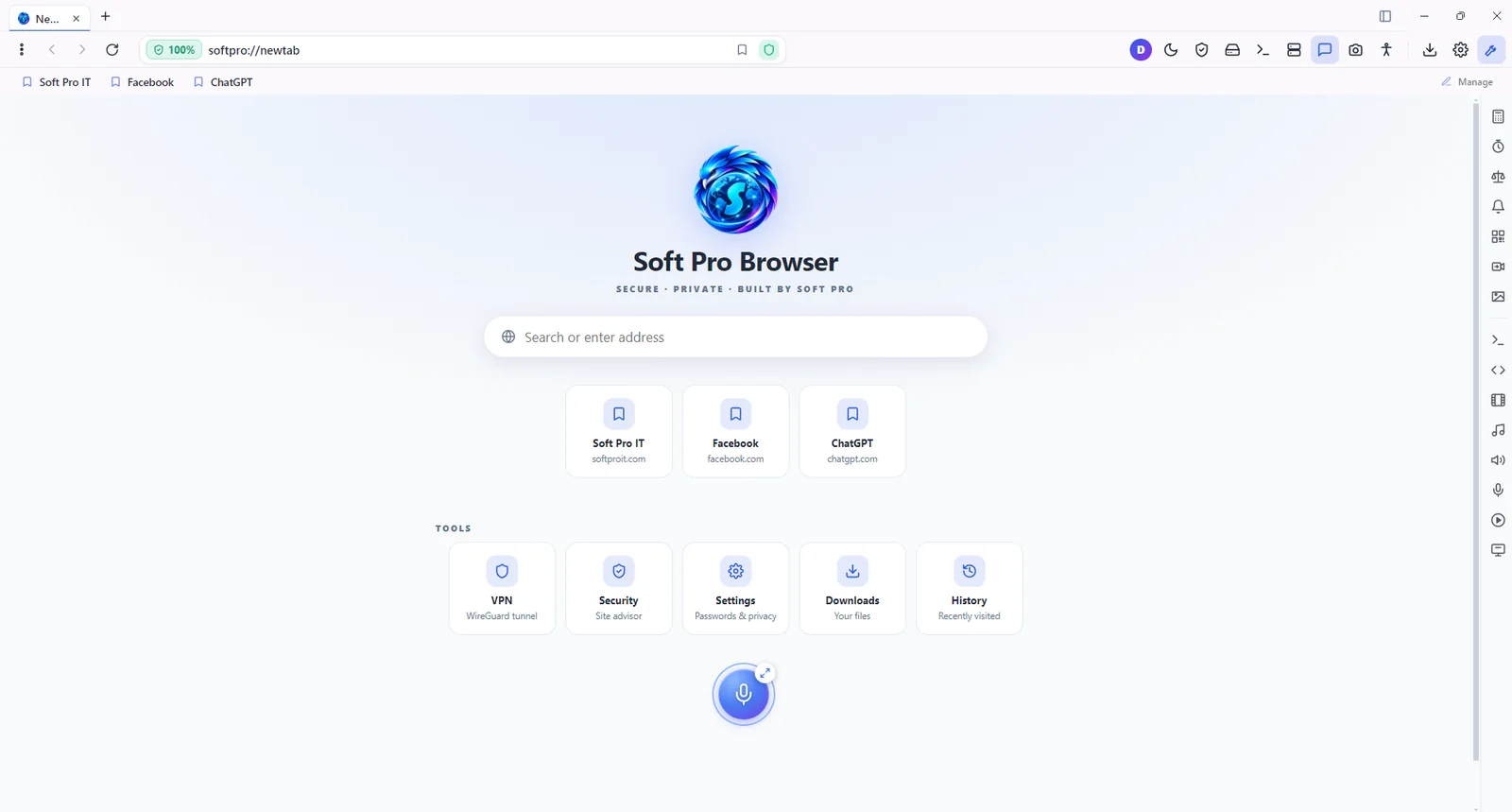
Highlights of Soft Pro Browser for macOS.
Web Shield, Download Shield, HTTPS-only mode and a safety score on every page.
WireGuard with free Cloudflare WARP, a kill switch and WebRTC leak protection.
A code editor, terminals, and SSH and SFTP clients built in.
A 4K video player, an audio player and video, audio and image converters.
| Operating system | macOS 12 Monterey or later |
|---|---|
| Processor | Apple silicon or Intel |
| Memory | 4 GB RAM (8 GB recommended) |
| Disk space | 600 MB free |
Get the .dmg or open the Mac App Store listing.
Open the disk image and drag Soft Pro Browser into Applications.
Open it from Launchpad and set it as your default browser.
 Free download · All platforms
Security Centre, password vault, AI assistant, SSH & SFTP, capture tools and an advanced download manager. Everything you need, in one free browser.